
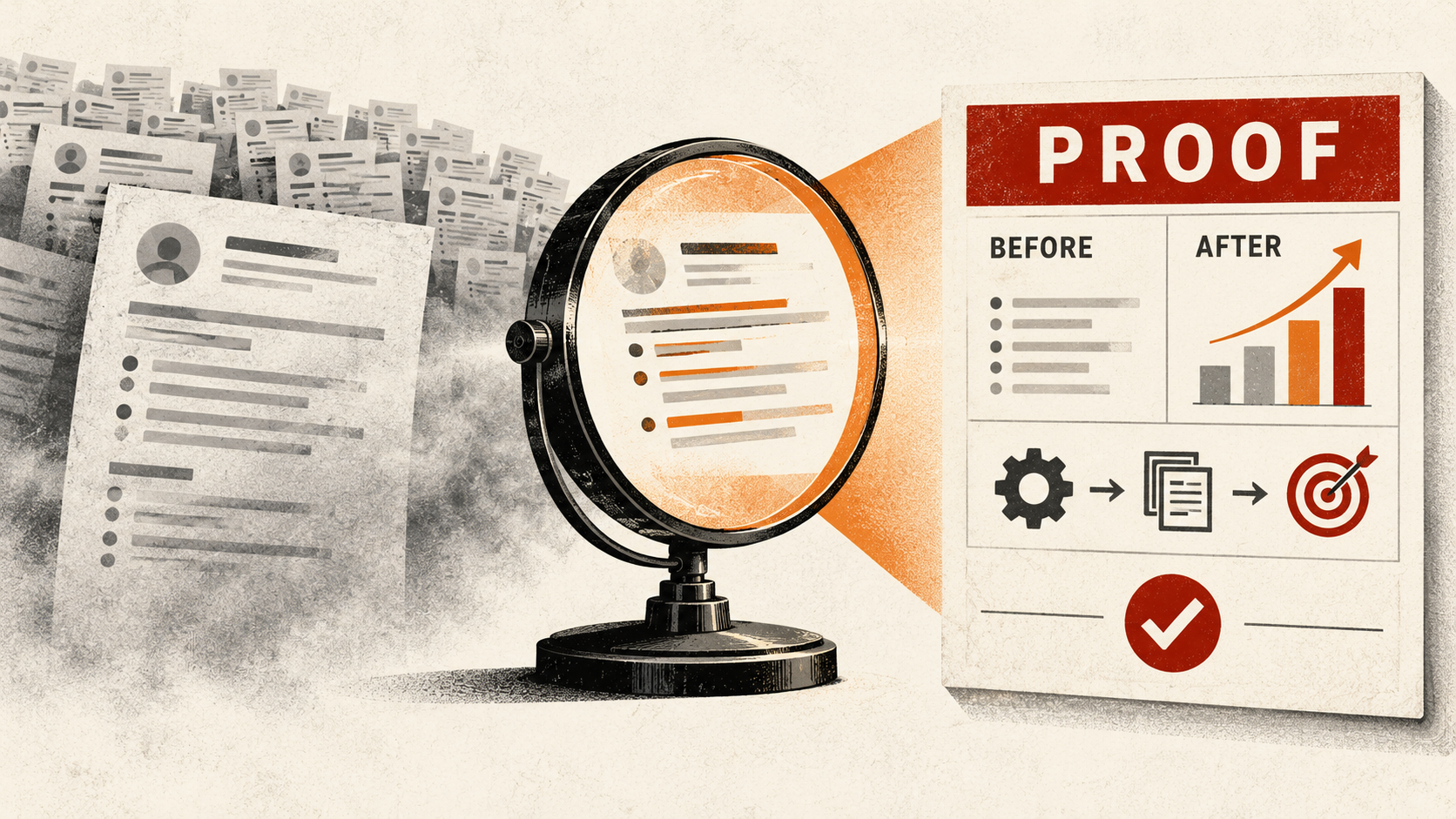
Every job description on your résumé is technically true and functionally useless.
Managed vendor relationships. Supported cross-functional initiatives. Oversaw process improvements. Somewhere out there, four hundred other people who held your exact title could type those same three lines without lying either. That's the problem. Not falsehood — indistinguishability. A hiring manager staring down a hundred résumés doesn't need more people who sound competent. They need one reason to remember you by Friday.
AI has made this worse, not better. Feed a job description into any of the free résumé generators currently colonizing the internet and it will hand you back something polished, confident, and grammatically flawless — and indistinguishable from what it handed the last person who typed in the same job title. It's not lying either. It's just optimizing for the wrong thing: it makes you sound like you belong in the job. It cannot make you sound like you're the only person who could have done it.
We built a tool that refuses to do that. It's called Proof Builder, and its entire job is to make you stop long enough to answer a question most résumés never bother asking: what actually changed because you were there?
The Anatomy of a Claim Worth Making
Here's the version most people write:
Managed the vendor invoicing process and worked with internal stakeholders to ensure timely payment.
Fine. Forgettable. Here's the version underneath it, if you go looking:
When I took over the process, invoices were running 30 to 45 days late and three vendors had put us on credit hold. I built a shared tracking system with automatic due-date flags and set a standing weekly review. Average payment time fell to 12 days. No vendor has threatened a hold since.
Same person, same job. One of these survives the follow-up question — what exactly did you do? — and one doesn't. Proof Builder exists to drag the second version out of you before a hiring manager has to ask for it, because they will ask, and "I don't know, I just kind of did the job" is not an answer that gets a callback.
It does this by making you answer four questions, in order, before it lets you move on: what you did, what was true before, what was true after, and — the one everyone tries to skip — the mechanism. Why was this you, specifically, and not the market, a coworker, or luck? A number without a mechanism is decoration. Sales can rise because the market improved. A project can succeed despite you. The mechanism is the part that proves it was you.
It Doesn't Just Work for Sales
The instinct, if you've never had to think about it, is to assume you don't have "real" accomplishments unless you personally moved a revenue number. Most people don't work in sales. Most people still change something.
Proof Builder sorts claims across six categories — Revenue, Cost, Time, Risk, People, Process — because a scientist who tightens the reliability of an assay, an admin who cuts processing time in half, or a manager who quietly kills a turnover problem before it became a headline are all doing the same thing a salesperson does: making something measurably better than it was. The tool also lets you pick your closest Department of Labor job category and pulls up field-specific guidance on what "output" actually looks like in that line of work — useful if you've spent a career being told your job doesn't produce numbers, when it usually does, you've just never had to name them.
Build the Case, Not Just the Bullet
Once a claim survives the check, it gets saved to your Proof Log — a running inventory of evidence instead of a résumé you reconstruct from memory the night before it's due. From there, every claim converts three ways: a résumé bullet, a LinkedIn line, and a full STAR-format interview story, so the same accomplishment shows up correctly no matter where you're using it.
If you've got more than one job's worth of history in there — and if you've spent any time in management, you will — a filter above the log lets you scope down to one employer or role at a time, so a claim from your last job doesn't muddy up an application built entirely on this one. Select a few claims from the filtered set, and the tool will lay them out together — résumé bullet, LinkedIn line, interview story, side by side — so you can see how a set of accomplishments reads as a case before you decide what makes the final cut.
There's also a job-posting comparison: paste one in, and it checks it against whatever claims you've built, tells you what's covered, and flags what isn't. It's a keyword match, not a verdict — it won't tell you that you're qualified or that you're not. We have enough software already doing that badly.
What It Won't Do
It will not write your résumé. It will not tell you whether your accomplishment is impressive relative to your industry, and it cannot manufacture a result that never happened. What it produces is scaffolding — the before, the after, the mechanism, the proof — not a finished sentence. Take what it gives you and write the accomplishment the way you'd actually say it out loud to someone, not the way a template would phrase it. If the sentence you end up with could belong to five hundred other people with your job title, you've missed the point of using it at all.
In a job market this saturated, the answer isn't submitting a more polished version of the same résumé everyone else is submitting. It's having something to say that nobody else in the pile can say. That's not a writing problem. It's an evidence problem. Proof Builder is built to solve the second one, so you can finally solve the first one yourself.
Companion Guide — How to Use the Tool
How to Actually Use Proof Builder
Proof Builder is not complicated. It just refuses to be lazy on your behalf, which can feel unfamiliar if you've spent any time with the résumé generators currently flooding the market. Those tools take vague input and return confident-sounding output. This one does the opposite: it takes vague input and hands it back to you, politely, until it's not vague anymore. Here's how to get the most out of it without wasting an afternoon.
Scope and Purpose
Start with what this is not. It is not a résumé writer. It will not generate a bullet point you can paste into a document and forget about. If that's what you're after, there are a dozen tools that will happily do it badly.
What it does is narrower and more useful: it forces you to locate the actual evidence behind a claim before you're allowed to make the claim. Before, after, mechanism, proof. If you can't answer those, you don't have an accomplishment — you have a job description with more confident punctuation. The tool exists specifically to catch that difference before a hiring manager does, because they will catch it, usually somewhere around the third interview question.
It also isn't a truth machine. It can't verify that your invoice-processing story actually happened, and it can't tell you whether your industry considers a 15% improvement impressive or embarrassing. It flags vagueness. It doesn't grant absolution.
How to Get Started
Open the tool and read the caution box at the top — it's short on purpose, and it's short because it needs to survive being read. If you want to see what a finished claim looks like before building your own, click "Show Me a Finished Example." It walks a single invoicing story from a weak résumé line through the full output: résumé bullet, LinkedIn line, interview story. Ten seconds well spent, especially the first time.
After that, you're in the Core Four. This is the whole game, and it's deliberately just four fields, because the moment this thing asks you fifteen questions before telling you if you're onto something, people stop answering honestly and start answering quickly.
How to Enter Data
The Core Four are: what you did, what was true before, what was true after, and how you caused the change — the mechanism. Answer them in plain language. "I rebuilt the onboarding checklist" beats "spearheaded an onboarding transformation initiative" every time, and the tool's AI-tell detector will actually flag you if you drift toward the second version.
Hit Quick Check. This is a light pass — it won't demand a proof source yet, it just tells you whether you've got a real baseline, a real number, and a real mechanism, or whether you're still describing a duty. If it comes back clean, you'll see "Solid bones," and Step 2 unlocks.
Step 2 is where you get specific about who can back this up: pick a category (Revenue, Cost, Time, Risk, People, Process), pick the closest Department of Labor job function — this pulls up field-specific guidance on what "output" typically looks like in that kind of work, which is genuinely useful if you've never had to think about your job in those terms — then fill in employer, functional title, proof source, and references. Contact info for references is optional; name and relationship carry most of the weight.
Run the Full Check. This is where the real scrutiny happens — no baseline, no number, thin mechanism, no proof source, language that reads like it came out of a phrase generator. All of it gets named. If it clears, save it.
What's Important and What's Not
The mechanism is the part people skip and the part that matters most. A number without a mechanism is decoration — sales might have risen because the market improved, not because of anything you did. The tool exists specifically to make you answer "why was this you and not luck," and if you find yourself unable to answer that, that's information, not a bug.
Proof source and references matter less at the drafting stage and more at the "am I about to put this in front of a hiring manager" stage. Don't let the absence of a perfect proof source stop you from saving a claim — the flag just tells you what to firm up before it goes anywhere near an interview.
What doesn't matter much: getting the wording polished on the first pass. This tool hands you scaffolding, not finished copy. If what comes out the other side could belong to five hundred other people with your job title, that's not the tool's failure — that's your cue to go rewrite it in your own words.
How to Bundle Things Together for Each Job
This is the part that matters once you've got more than one accomplishment worth saving — which, if you've held a management role or anything with real scope, you will.
Above your Proof Log, there's a filter dropdown listing every employer/role combination you've saved claims under, each with a count. Select one, and both the log and the job-posting comparison below it scope down to just that job — so if you're applying somewhere using only your management-track accomplishments, the tool isn't dragging in claims from a job that has nothing to do with the application.
Once you've filtered down to the right set, check the boxes next to the claims you want to look at together and hit View Selected Together. That renders all of them stacked — each with its own résumé bullet, LinkedIn line, and interview story — so you can eyeball three or four accomplishments side by side and decide what actually goes on the page, instead of building them one at a time and losing the sense of how they read as a set.
Export and Use
Every saved claim exports the same three ways: a résumé bullet, a LinkedIn line, and a STAR-format interview story. Click into any claim to see all three, plus its proof source, references, and a set of challenge questions — the ones an interviewer would actually ask, generated based on whatever's still weak in that particular claim.
For a physical or shareable copy, use Download Report. If you've selected a single claim, it downloads a formatted report for that one; select several first, and it downloads a combined bundle covering all of them. Either way, it's a standalone file — open it and use your browser's Print function, or choose Save as PDF from the print dialog.
The Proof Log itself exports two other ways: a CSV of everything, useful for your own tracking, and a JSON backup, which you should actually make a habit of — everything here lives in your browser, and browsers clear caches at inconvenient moments.
Last piece: paste a job posting into the comparison tool at the bottom, and it checks your claims (scoped to whatever filter you've got active) against what the posting is asking for. It's a keyword match, not a judgment. It'll tell you what's covered and what isn't. It won't tell you whether you're qualified, because that's not a decision this tool is arrogant enough to make for you.